
Make it easy
Posting takes four steps. You don't have to look for the place on any map: the photo brings it along.
-
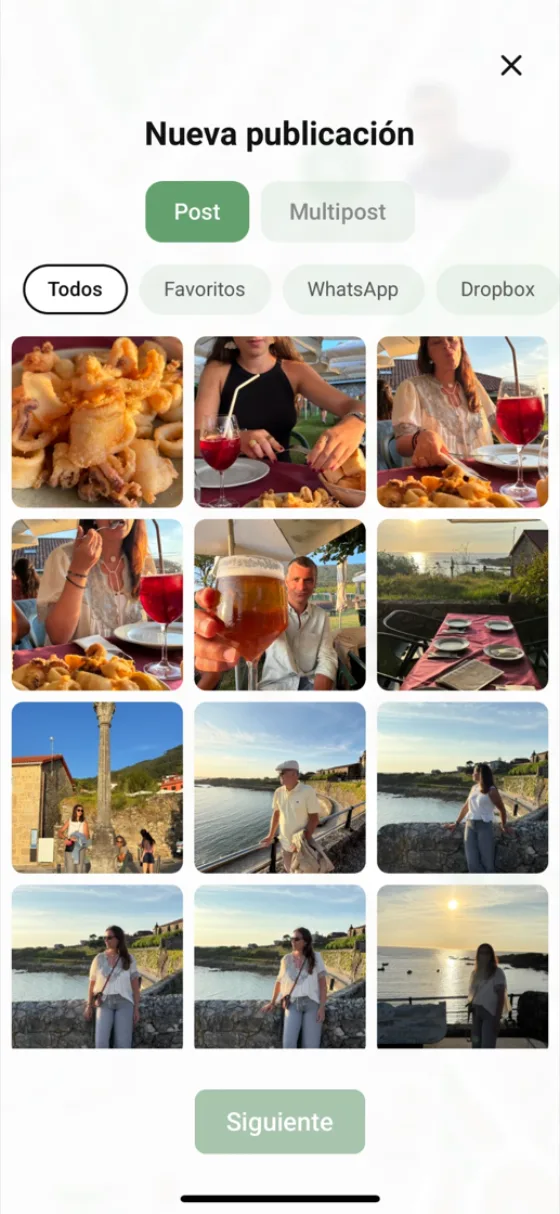
You pick the photos
Open your camera roll and tick the ones you want, one or several at once. The ones you got on WhatsApp show up too.
-
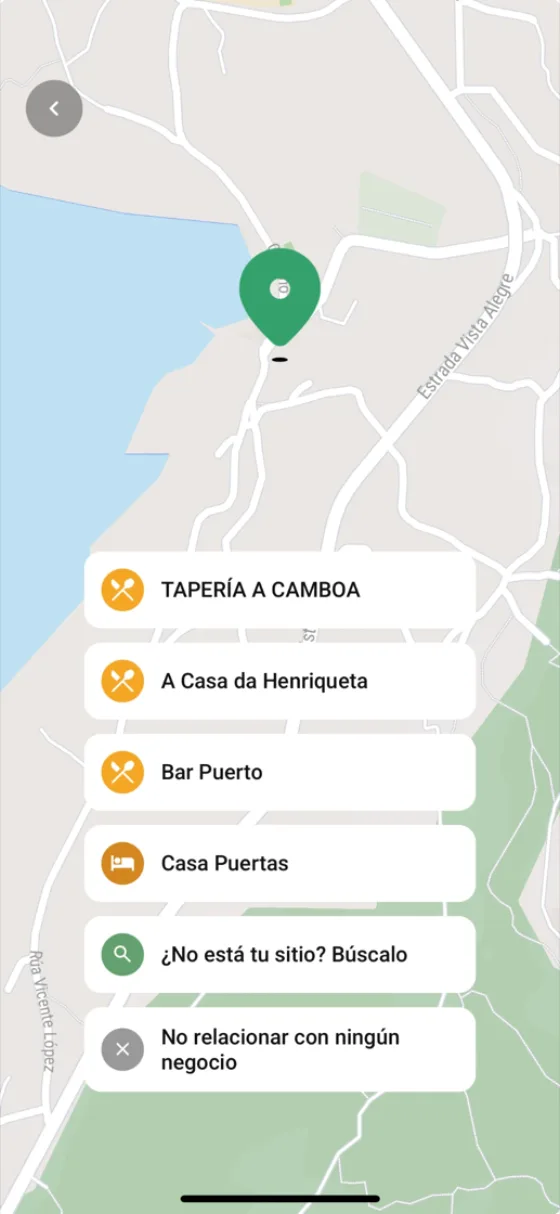
It places itself on the map
Every photo remembers where you took it, so mywolly drops the pin for you. And it suggests the places right there, so you don't have to type the name by hand.
-
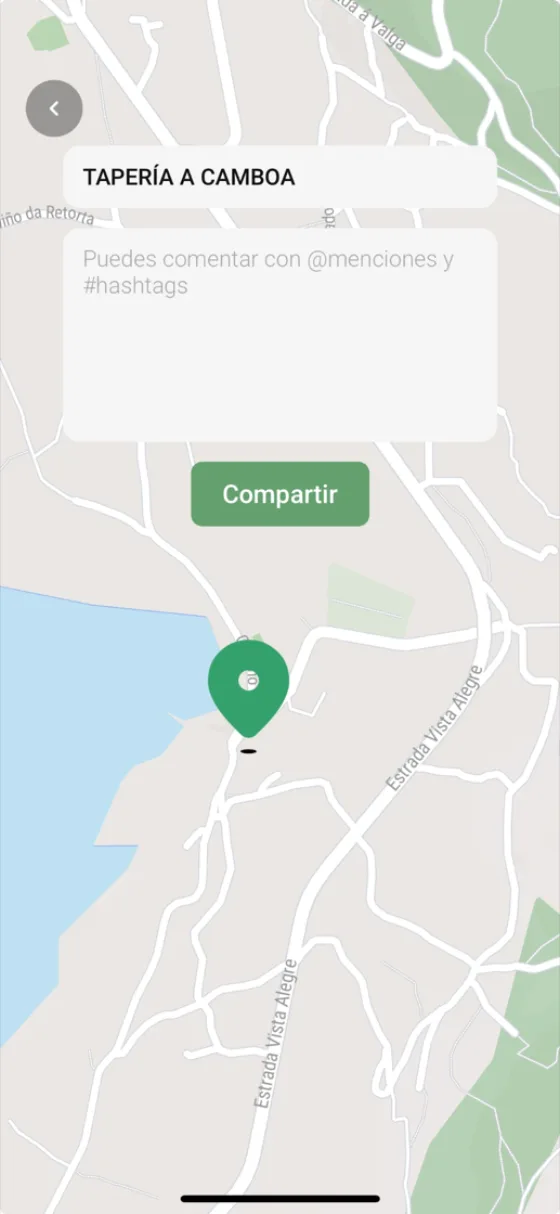
You say what it is
The name of the place is already filled in. You just add your comment, with mentions and hashtags if you like.
-
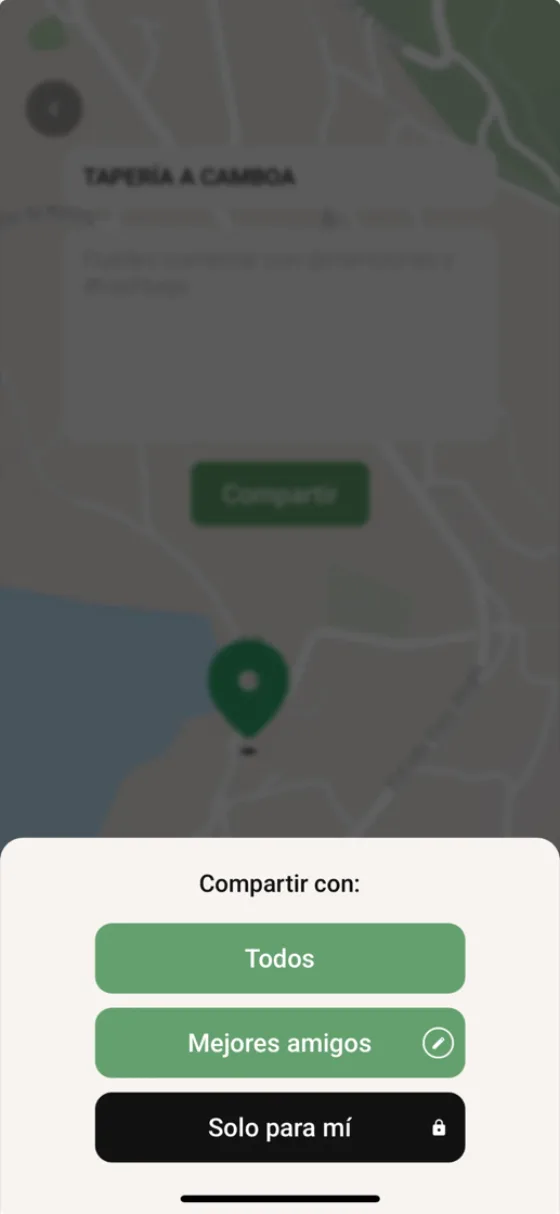
You choose who sees it
Everyone, just your close friends, or only you. One tap and it's on your map: anyone passing nearby finds it.
Frequently asked questions
How do I book a restaurant or a hotel?
You post, and we check whether the place takes bookings. If it does, the button appears on the post itself and takes you straight to its booking page.
Can I delete a post?
Yes, and several at once too. Anything deleted stays thirty days in the bin in case you change your mind.
How do I delete my account?
From Settings, inside the app. We send you an email to confirm it and, after thirty days, everything is really deleted.
What languages is mywolly in?
Spanish, English, German and Italian. The app follows your phone's language, and you can change it by hand whenever you like.
I can't find an answer to my question
Write to us from Contact and we'll get back to you. Choose Support if something isn't working, or Customer care for anything else.